Unlock your phone.
Keep the content covered.
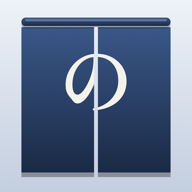
When you unlock your iPhone in front of friends, the app you had open stays covered.
For iPhone and iPad with iOS 26 or later. English and Japanese. Coming soon.
A cover on the first app after you lock
After you lock your phone for a minute or more, Noren gets the cover ready. The first app you open after unlocking stays covered.
Tap “Show Content” when it’s just you
Tap “Show Content” on the cover and use your phone as usual until the next lock. Or tap “Go Home” to go back to the Home Screen.
Visible apps and home
Choose apps that never need a cover, like Clock or Maps. Turn Noren on or off from the Lock Screen. Register your home, and Noren turns off automatically while you are there.
Before you start
Noren uses iPhone Screen Time. To hide notification content on the Lock Screen, change it in iPhone Settings. Noren has no account, ads or server, and it doesn’t collect how you use your apps.